Robo User Manuals
master
  • Robo R1+ Plus
  • Robo C2
    • General Safety Information
    • Getting Started
    • Operation
    • Maintenance
    • Troubleshooting
  • Robo R2
  • Cura for Robo Desktop
  • Robo Web Dashboard
  • Robo App for iOS
  • Safety & Compliance
Robo User Manuals
  • Docs »
  • Robo C2
  • Edit on GitHub

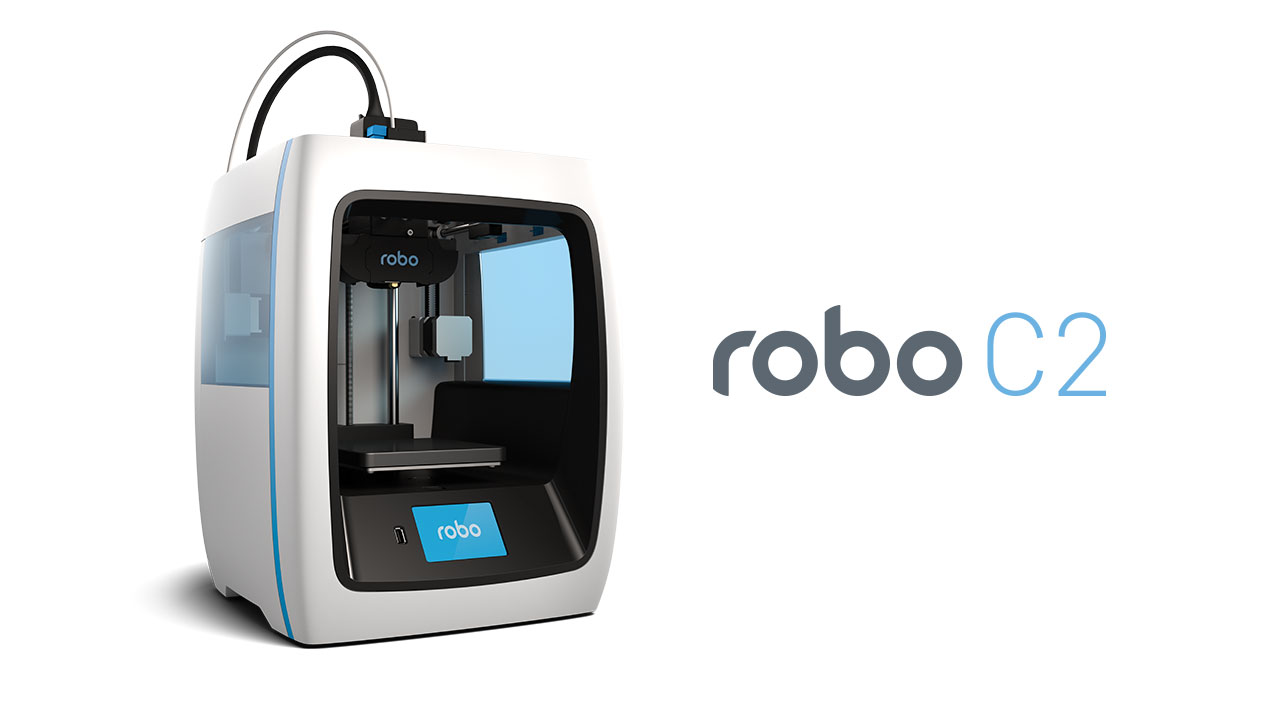
C2 Header

Robo C2

Installation and User Manual

  • General Safety Information
  • Getting Started
    • What’s in the box
    • Unboxing Robo C2
    • Register your Robo C2
    • Initial set-up
    • Connecting to Wi-Fi
    • Updating Robo C2
    • Calibration and setting Z offset
    • Loading filament
    • The test print
    • Removing the test print
    • Using Hotspot Mode
  • Operation
    • Display Screen
    • Setting the Z offset
    • Loading and Unloading Filament
    • Start a print
    • Print Status
    • Using print bed adhesion
    • Removing the print
    • Setting Up Wifi
    • Downloading the Robo App
    • Connecting your iOS device to your Robo C2
    • Updating Your Printer
  • Maintenance
    • Be sure to check for the following before every print:
    • Cleaning the feeder gear
    • Lubricating the axis
    • Cleaning the print bed surface
    • Replacing your Hotend Nozzle
  • Troubleshooting
    • Print Not Sticking to Bed
    • Grinding Noise when Starting a Print
    • Material Not Extruding
    • Shifting Layers/bad print quality
    • Hotend Clogged
    • Hotend Falling Out
    • Drive Gear aligning and tightening
    • Screens Goes White or Doesn’t Work
    • Hotend Cover is falling off
    • Filament Runout Sensor Error
    • Firmware Update
    • Error Messages
Robo™ C2 User Manual
by Robo 3D, Inc.
Copyright © 2017 Robo 3D, Inc.
Permission is granted to copy, distribute and/or modify this document
under the terms of the Creative Commons Attribution 4.0 International
Public License (CC BY-SA 4.0).
Published by Robo 3D, Inc., 5070 Santa Fe Street Suite C, San Diego, California,
92109 USA.
Next Previous

© Copyright 2016, Robo. Revision 67a9a752.

Built with Sphinx using a theme provided by Read the Docs.